Let's make use of the shortcuts specifically designed for emotions!
You can register up to 10 emotions as the shortcuts. The shortcut bar will show up on the chat log and you can use the emotions easily.
Please make use of the emotions for taking screenshots, communication with chat, and more!
How to Create Emotion Shortcut
1. Tap [Esc key > Community > Emotion].
2. Tap "Show".
3. Tap "Favorite".
4. Select up to 10 emotions you want to register as shortcuts, and tap "Complete" to finish.
Notes
*If 5 or more emotions are registered as shortcuts, swipe on the shortcuts to show other registered emotions.
*You can switch show/hide by tapping "-" and "+" icon at the left of the shortcuts.
If you use the screenshot feature in Toram Online, you can hide the UI and freely move the angle of the screen without moving your character when you take a picture.
Let's capture your adventure memories!
Check out "this news" for more details about the screenshot feature in Toram Online!
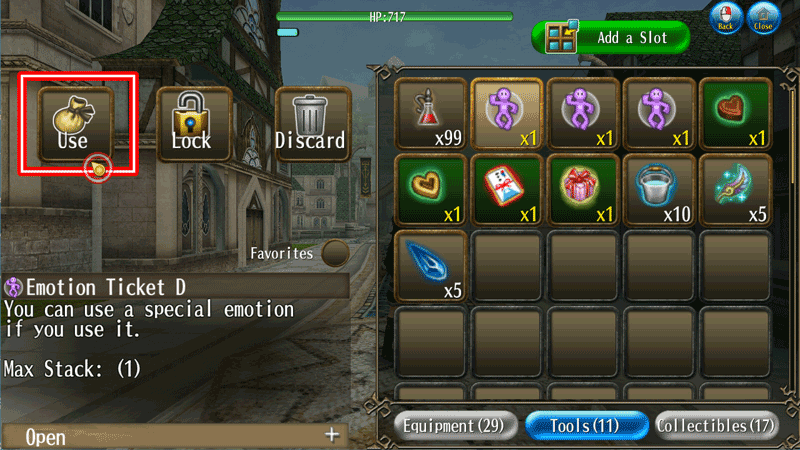
*Each account will receive the Emotion Ticket.
However, the Emotion Ticket will not be consumed if you have previously used and got the Emotion.
*The event period and rewards are subject to change.
*Limited-time events or promotions may be held again in the future on different conditions after they have ended.